
 Tiếng Việt
 English
 中文
OOH/DOOH Industry Perspective
What is Digital Signage? Structure, Principles, and Practical Applications
Last updated: 20 Nov 2026What is Digital Signage? It's a system of digital screens using LCD and LED technology to display images, videos, advertisements, and information in multiple locations. Digital Signage allows for remote and flexible content management and updates. This article will explain the structure, operation, practical applications, and differences between Digital Signage and DOOH.
1. What is Digital Signage?
Digital signage is a system that uses electronic screens such as LCD and LED to display and manage digital content, including images, videos, text, and advertising information. This technology is applied in retail stores, restaurants, offices, shopping malls, and public spaces.
According to AVIXA – the Audiovisual and Integrated Experience Association, digital signage is not just a display screen but also includes components that support content management and distribution. A typical system combines a screen, a media player, and content management system (CMS) software , allowing for scheduling and remote updates when a suitable connection is available.
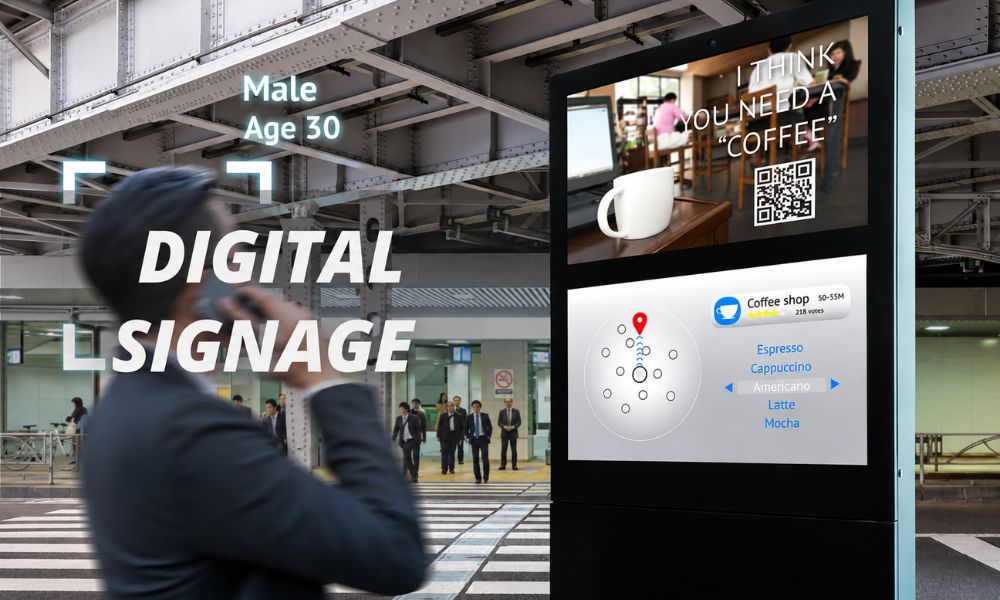
Unlike static signage, the biggest advantage of digital signage is the ability to instantly customize content remotely . Businesses can change messages, advertising videos, or promotional programs at any time of day without incurring additional printing or installation costs.
2. What components does a Digital Signage system consist of?
To operate stably and synchronously on a scale ranging from a single location to thousands of installations, a complete Digital Signage system consists of four core components :
- Dedicated Display Hardware: This is the end device that directly interacts with the viewer (most commonly commercial LCDs, video walls, LEDs, or digital frames). The key difference compared to home TVs is their ability to operate continuously (16/7 or 24/7), extremely high display brightness (up to 2,500 nits), and anti-glare technology optimized for bright lighting environments.
- Media Player: Acts as the "brain" that decodes multimedia files and outputs video and audio signals to the screen. A media player can be an external box or, more optimally, a smart chip (SoC) integrated directly into the display board to save space.
- Content Management System (CMS): A central control platform (usually cloud-based). Through the CMS, administrators can remotely control the entire system from their office: uploading images/videos, arranging screen layouts, scheduling automatic broadcasts for specific time slots, and monitoring equipment malfunctions.
- Network infrastructure: Data transmission environment (Wi-Fi, wired LAN, or 4G/5G). The network connection enables the CMS server to connect Media Player devices to synchronize new campaign content and send real-time broadcast log reports.
3. How does digital signage work?
Technically, standard digital signage systems do not continuously stream content to avoid congesting network bandwidth. Instead, they operate on a "Download - Store - Display" mechanism through a closed four-step cycle:
- Step 1 - Content Ingestion: The operator prepares the media files (MP4 video, still images, HTML5 interface, or automatically retrieves weather/exchange rate API data) and uploads them to the CMS software's cloud storage.
- Step 2 - Scheduling & Distribution: On the CMS interface, the administrator creates a playlist, sets the screen area allocation ratio, and assigns viewing time slots. Then, the CMS packages the data and pushes the distribution command to the correct target screen groups (by branch, region).
- Step 3 - Local Storage & Playback: This is the core advantage. The media player at the location will download all campaign content to its local storage and decode it for playback on the screen. Thanks to this mechanism, the screen continues to smoothly display the old content even if the internet connection is suddenly interrupted.
- Step 4 - Monitoring & Proof of Play: Throughout the campaign, the device continuously sends "heartbeat" signals to the server to report the hardware status (online/offline). Simultaneously, the system automatically generates a Proof of Play log – accurately recording every second of the advertisement displayed – to serve as a basis for measuring and evaluating the campaign.
See also: Measuring DOOH Advertising: Metrics and Evaluation Methods
4. Types of Digital Signage and Popular Applications
The flexibility of CMS and Media Player allows Digital Signage to transcend the limitations of a conventional advertising screen and become a digital transformation solution for many sectors:
- Retail & Malls: Deployment at checkout counters, entrances, or lobbies as dynamic digital POSM (Point of Sale Materials ). This solution quickly attracts attention, stimulates impulse buying, and completely eliminates the cost of printing signage for seasonal sales.
- For F&B chains (restaurants/cafes): The most popular application is the Digital Menu Board . Chain managers can program the screen to automatically change the breakfast-lunch-dinner combo menu, synchronize prices nationwide with just one click, and use videos of steaming dishes to stimulate customers' appetites.
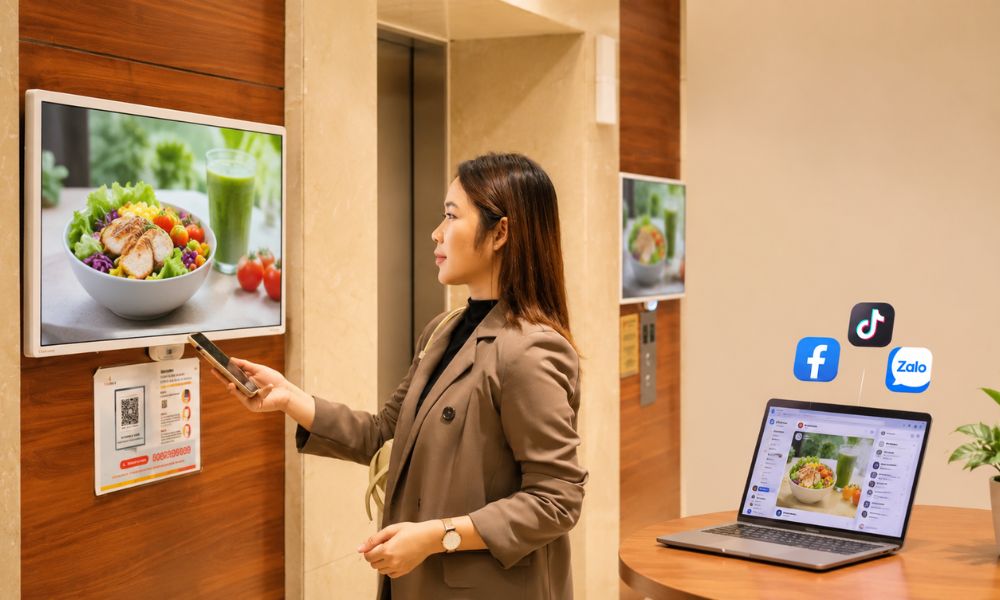
- Corporate & Residential Buildings: Installed in reception lobbies or inside elevator cabins. Besides replacing traditional paper-based internal bulletin boards, this also serves as a core platform for leveraging an advertising network to reach office workers and high-income residents.
- Healthcare, Transportation & Public Services: Serving as a wayfinding system , a queue number display board for medical appointments, or a real-time flight/train schedule update screen (real-time API) at terminals and airports.
5. How is Digital Signage different from DOOH?
Digital signage and DOOH are closely related but not entirely the same. The main difference lies in their purpose: Digital signage is a technology system for displaying digital content, while DOOH is a form of digital advertising that reaches consumers outside their private living spaces.
- Digital Signage (Technical Essence): This refers to the entire technological infrastructure (including screens, chips, and network software) for displaying digital information. It can serve commercial purposes or be used purely internally (such as screens displaying KPI completion rates in a manufacturing plant, or directional signs in an airport).
- DOOH - Digital Out-Of-Home: This refers to digital outdoor advertising. It's a form of advertising space business aimed at reaching a mass audience when they are outside their homes.
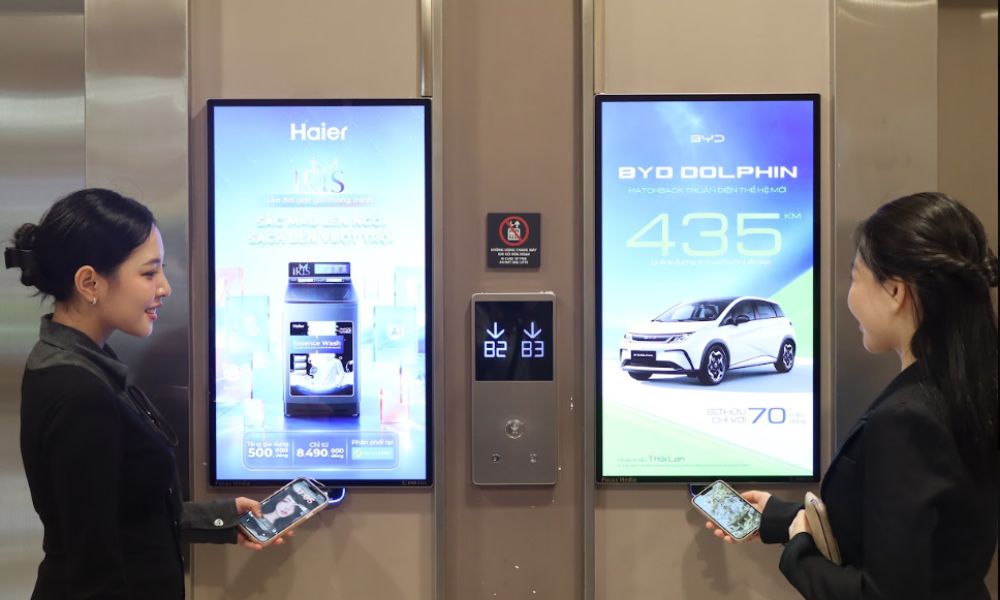
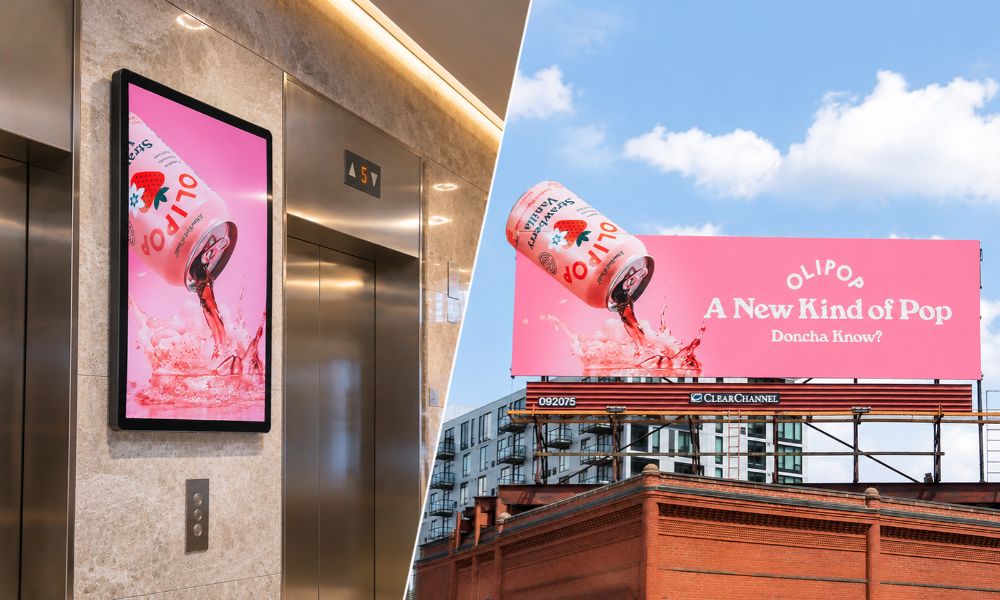
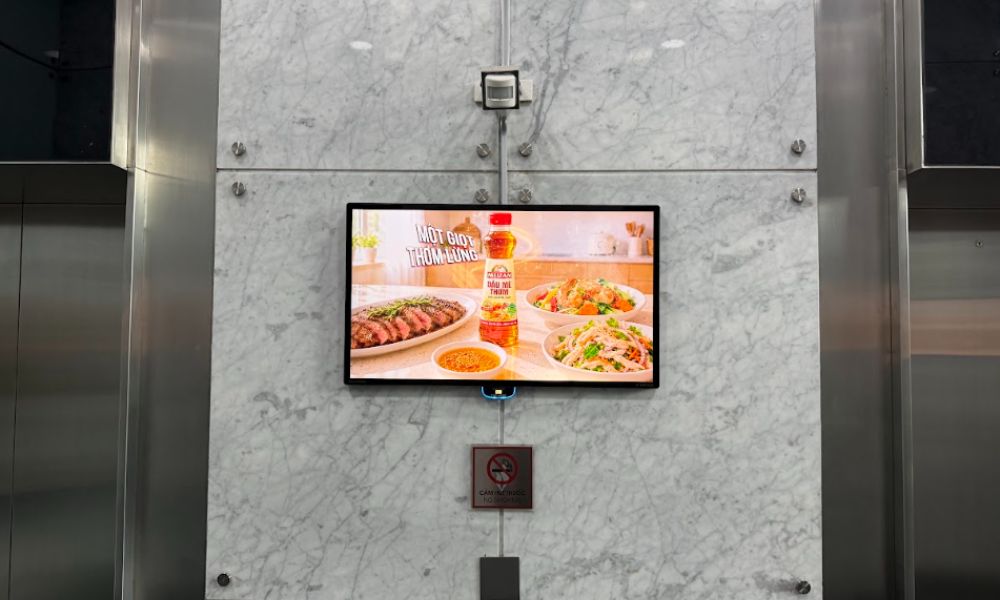
- The interconnectedness: Digital signage is the technological foundation that makes DOOH a reality. Simply put: An LCD advertising screen in an elevator for a brand is a DOOH campaign, and to ensure that screen plays the right video at the right time, a digital signage system is needed .
See also: Types of Elevator Advertising: Comparison & How to Choose
6. Application of Digital Signage in Elevator Communication at Focus Media
Elevator spaces are prime locations for implementing digital signage due to their enclosed nature and high frequency of daily repeat viewing. In Vietnam, Focus Media operates a network of 19,421 screens across 2,173 locations , according to data published on its website on November 1, 2026.
The system focuses on two main formats:
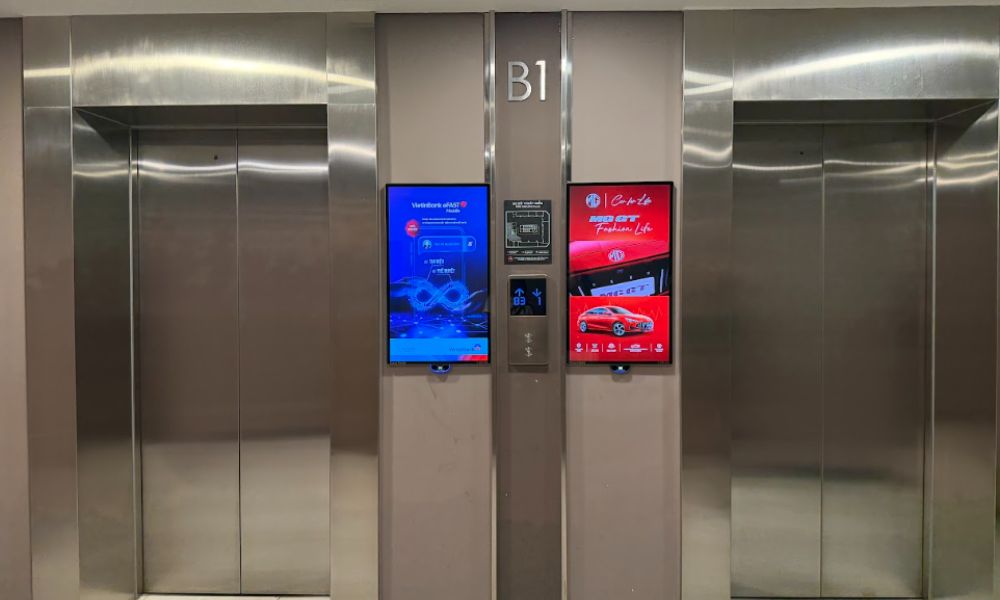
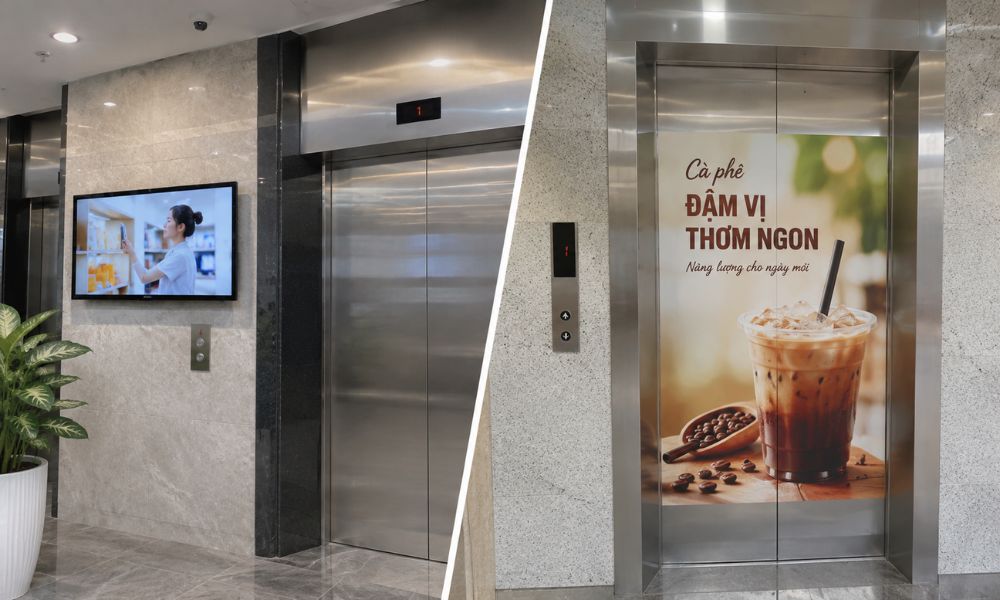
- LCD Elevator TV : A horizontal screen, often placed in elevator lobbies, suitable for displaying TV commercials, videos, and moving content.
- Digital Frame (DF) : A vertical screen, primarily placed in elevator cabins, suitable for displaying product images, key visuals, and concise brand messages.
Through its remote content management system, Focus Media can distribute advertisements according to agreed-upon locations and schedules, while also supporting the monitoring of deployment status and broadcast results.
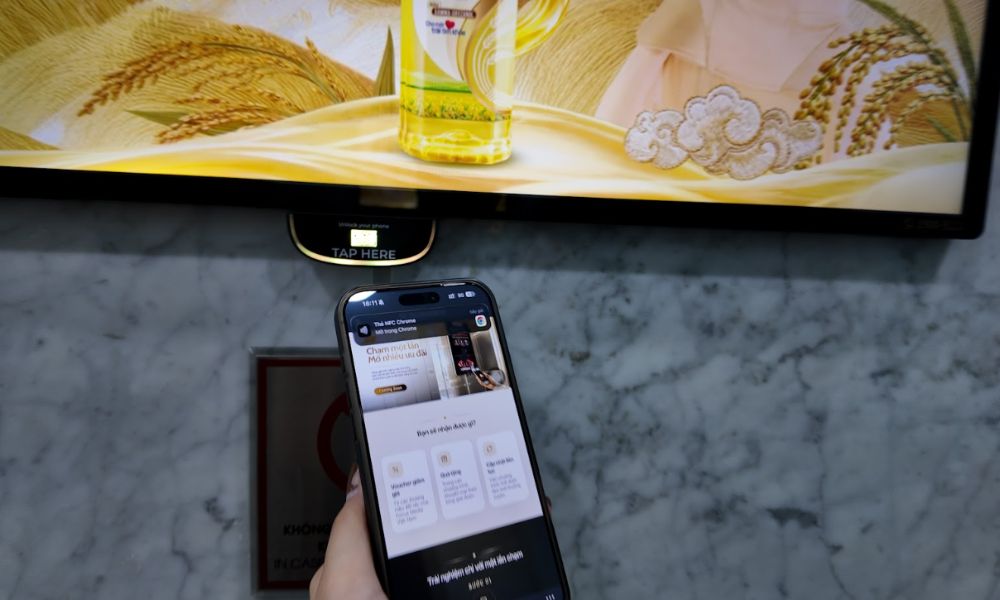
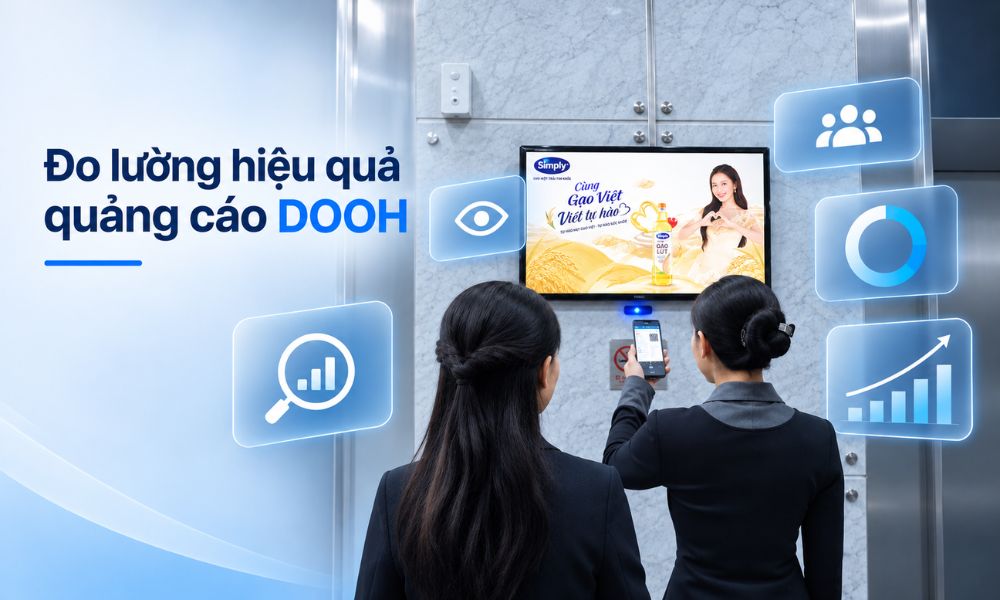
In addition to displaying content, Focus Media also incorporates NFC technology to expand interaction from offline to online (O2O). At supported locations, viewers can touch their phones to the NFC area to access digital content and receive offers through the Focus NFC MiniApp .
See also: Elevator Advertising Price List 2026: LCD & Digital Frame
7. Frequently Asked Questions
7.1. How is a Digital Signage screen different from a Smart TV at home?
These dedicated displays feature industrial-grade heat dissipation and extremely high brightness for continuous 16/7 or 24/7 operation without burn-in. Additionally, they have locked physical connection ports and built-in remote management software.
7.2. If the internet connection is lost, will the screen go black?
No. The media player has pre-loaded all videos/images into its cache/local storage. The screen continues to display smoothly even when the internet connection is lost. The internet is only used to download new campaigns or send error reports.
7.3. Do small and medium-sized enterprises (SMEs) have sufficient budget?
Yes. Thanks to Cloud CMS technology (cloud-based management), a store only needs to buy 1-2 screens with built-in transmitter chips and connect them to Wi-Fi to start using them immediately, without having to invest in an expensive server system.
7.4. Is LCD advertising in elevators considered Digital Signage?
That's right. LCD screens and digital frames in elevators are the most popular and successful applications of digital signage technology for outdoor advertising (DOOH).
Digital signage is a solution for displaying and managing digital content, helping businesses flexibly update information on screens in multiple locations. When applied to elevator communications, this technology supports advertising distribution, managing broadcast schedules, and monitoring screen activity.
With its network of LCD and Digital Frame displays in urban buildings, Focus Media Vietnam provides elevator advertising solutions. Combine remote content management technology. Contact Focus Media or call 1900 5111 for advice on solutions tailored to your communication goals.


Comment (0)
Related News

 CONTACT
CONNECT WITH FOCUS MEDIA VIETNAM
Share your campaign goals. Focus Media Vietnam will advise on how your brand can appear at the right touchpoints within the building and connect viewers to your landing page, e-commerce platform, app, or digital content.

No comments yet. Be the first to share your thoughts.